Open SprayAR.
Allow camera access so the app can show your surroundings in augmented reality.
A DIGITAL PAINTING STUDIO / BY PASCAL SENDER
Your iPhone or iPad becomes a digital spray can. Paint in the space around you, then walk around your artwork.
SprayAR brings augmented reality painting to iPhone and iPad. The released app is the starting point: an open canvas in your surroundings, creative exploration and the shared studio.
Allow camera access so the app can show your surroundings in augmented reality.
Select a colour and draw. Move the device to place your painting in the space you see.
Walk around your work to see its depth. Explore the shared studio in the released app.
This guide also opens the workshop: the newer map, 3D world, tools and missions below are development previews. Their presence here does not promise inclusion in the currently released App Store version.
01 / A WORLDWIDE CANVAS · IN DEVELOPMENT
The map connects painting to real places. A street becomes a surface; a collection of marks becomes a world.
Navigate the developing map to a city or neighbourhood. Real street layouts give your painting a location and a sense of scale.
Choose an eligible road or park surface, select a colour and make a mark. Street painting and shared strokes are being explored in the World project.
Move from the map into 3D locations. Buildings, transport and original Forger objects give the next canvas depth.
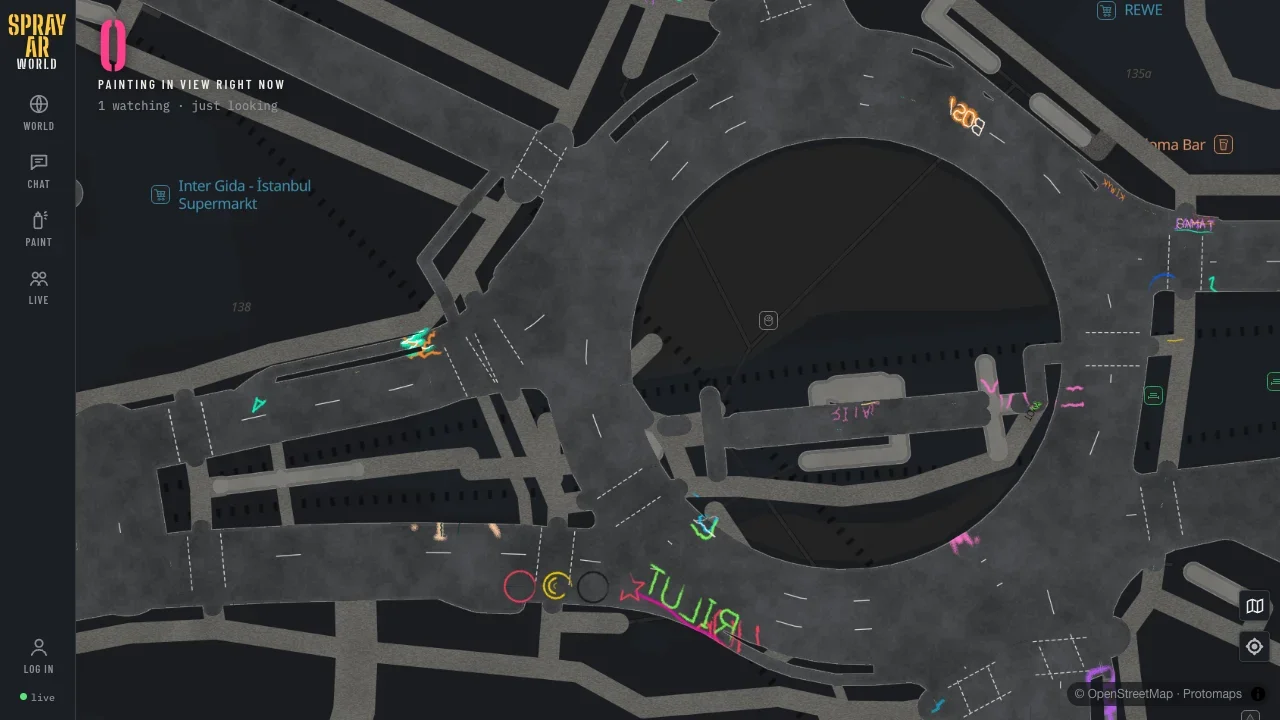
The tower and its apartments share a persistent website canvas. Visitors see new strokes about every 15 seconds; undo and clear affect only your own marks. Website painting stays separate from the app world.
Enter the World room ↗02 / THE TOOL WORKSHOP · IN DEVELOPMENT
Choose a tool for the mark you want: a narrow line, a wide pass or a soft cloud of colour.
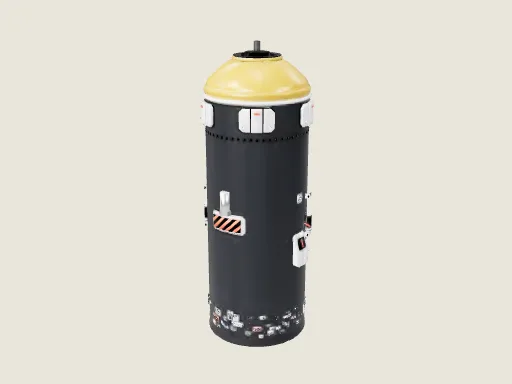
Explore the spray can and its skinny, fan and spatter caps. The next tools investigate pressure, distance and the character of the spray.
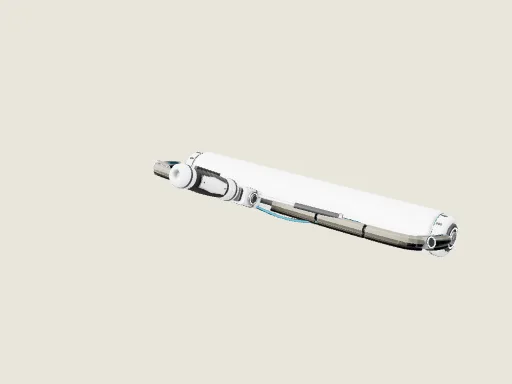
Broad coverage, mechanical rollers and experimental tool designs. Inspect the actual models and watch their authored turntables.
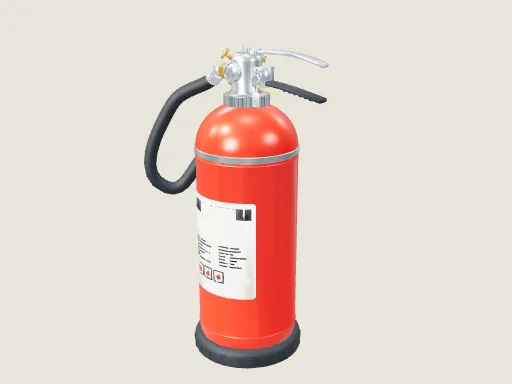
Extinguishers, water guns, pipettes and unconventional equipment. A growing collection of objects and tool experiments.
Open the colour workshop. Select a tool on the shelf or in the collection to bring it to the centre.
Use the orbit buttons to rotate it. Zoom in or out and explore transformation levels 1–33.
On desktop, drag to spray and use the arrow keys to tilt the can. On iPhone, double-tap to paint and use the tilt joystick.
The original Aerosol Lab offers 18 cap profiles, droplets, drips, wet paint, wash and tube tools. Optional camera parallax responds to head movement; it starts only when you enable it and the camera frames stay on your device.
Step into the tool room ↗03 / ORIGINAL 3D PLACES · WORLD PREVIEWS
An original Forger station, two five-car trains and a platform with passengers. Explore it here and try painting a carriage.
Enter the subway. Trains arrive and depart while simple low-poly passengers walk, board and leave.
Double-click a train to fly closer. It waits while you paint. Select a colour and drag across the surface.
Back to platform restores the station view; Back to street takes you outside. On a phone, two vertical scroll gestures or zooming out returns you to browsing.
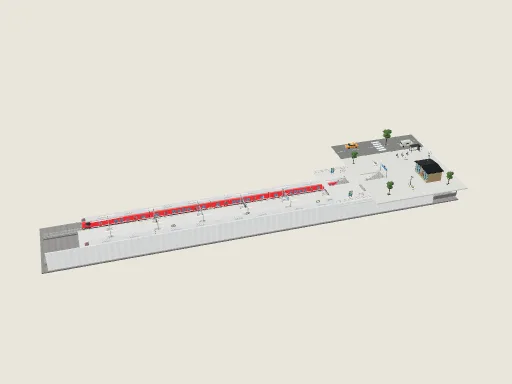
Inspect the complete original scene.
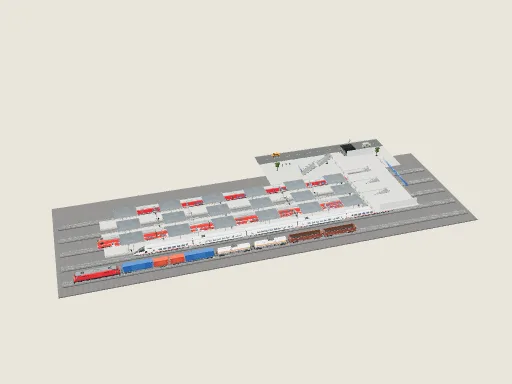
A larger transport environment.
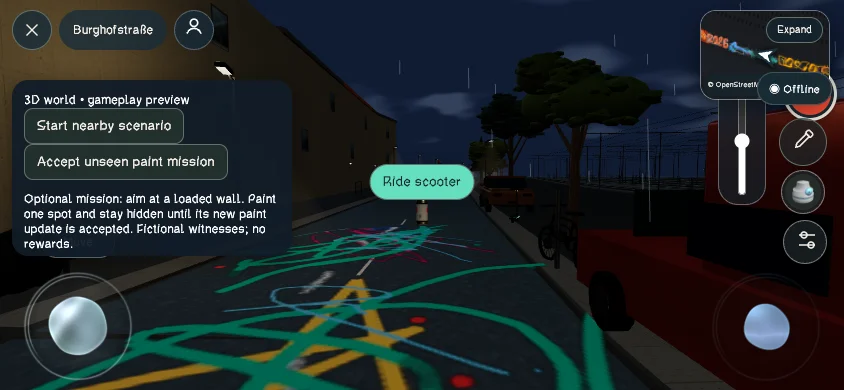
Cars, scooters, metro trains, freight carriages, airports, ports and other environments come from the actual Forger library. Open a model when you want to explore it; the page does not download the entire world at once.
Police, witnesses and mission-related objects are part of the developing world. Here they are presented as original assets and experiments, rather than as a claim that every interaction ships in the released app.
Explore trains, platforms and stations ↗04 / THREE FLATS · THREE FORGER ROBOTS
Mira, Atlas and Riot are original Forger robots with articulated limbs, moving cap faces and 99-stage transformations.
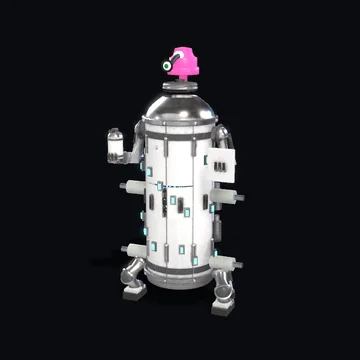
MIRA / CASK
A calm artist’s home. Start with camera painting, colours and moving around your artwork.
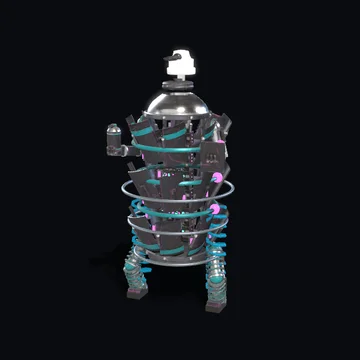
ATLAS / COIL
An organised mapmaker’s flat. Explore world maps, shared strokes and the worldwide leaderboard.
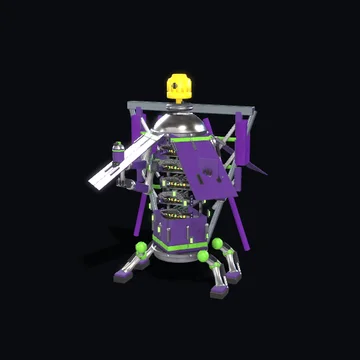
RIOT / MANTIS
A creative workshop. Discover tools, train painting, Forger objects and mission ideas in development.
Fly through a flat’s window. Use the living room, kitchen, bedroom, bathroom and workshop tabs, or double-click a room.
Every room has a practical guide, an illustrated display and a film. Double-click a framed canvas to read it, or choose Listen for the resident’s explanation.
The robots walk, gesture and slowly transform. Choose Transform to see the complete sequence; each flat uses a different original model.
Discover actual Forger spray cans, caps, scooters, security cameras, train models, drones and painting equipment around the flats. The colour workshop and collection offer more tools, vehicles, robots and places to inspect.
The tower and flats share a persistent website canvas. Paint their walls and objects; new marks appear for other visitors about every 15 seconds. Undo and clear affect your own marks. This canvas stays separate from the app world.
Browse the Forger collection ↗05 / THE PREVIEW CINEMA
Real app recordings, authored model renders and MiniMax trailers. Each film tells you what you are watching.
Archival app footage, World previews and recorded paint-replay takes show actual existing work.
Authored tool turntables and source previews show the real 3D objects. They are model presentations, not gameplay.
Generated promotional films explore the visual direction. Take 1 includes finished MiniMax shots. Take 2 is a source preview; Take 3 is a source preview with its final trailer in progress.
START IN THE SPACE AROUND YOU
WORLDWIDE COMMUNITY
The worldwide Top 100 shows actual app activity and server-verified paint karma. Explore the artists, their recorded hours and minutes, and the original 3D app character. Rankings refresh regularly, with a cached copy if the world server is unavailable.
Worldwide Top 100 ↗The website tower and apartments now share paint between visitors. Double-click a room to explore, then paint its walls and objects. Changes appear about every 15 seconds; undo and clear affect your own strokes.